Migrating to Reto v1.6
This page was last modified in February 2022. The content of this page is not relevant to the current active Reto bot.
If you're migrating from an old version of Reto (v1.5.2 and below) to a newer one, you may get this warning message while opening reto.py:
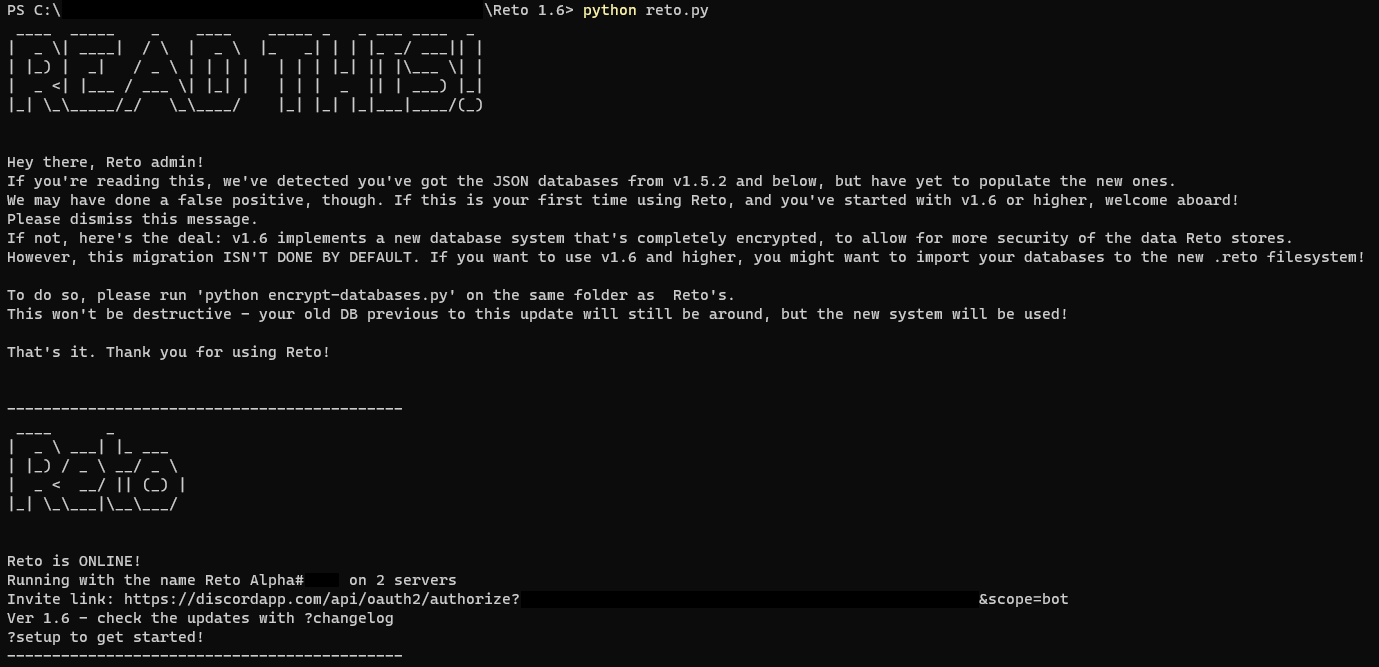
If you've just downloaded Reto from a version that's v1.6 or higher, this is most likely a false positive and you've nothing to worry about. If that's not the case, you might notice that all your databases have been reset - that's because on newer versions of the bot, an encrypted version of the original database is used that isn't compatible with the .JSON-based one from the get-go.
To migrate your old .JSON files to the new .RETO filesystem, run python encrypt-databases.py from the command line. This will take a good while if you've got a good number of comments/posts, profiles and such - so make sure you've got the time!
⚠️ If you've started using the new database by accident, you may receive a The database [database] isn't empty. Skipping... error. You can erase that specific file from the db/ folder to make sure the migration is succesful.
Last updated